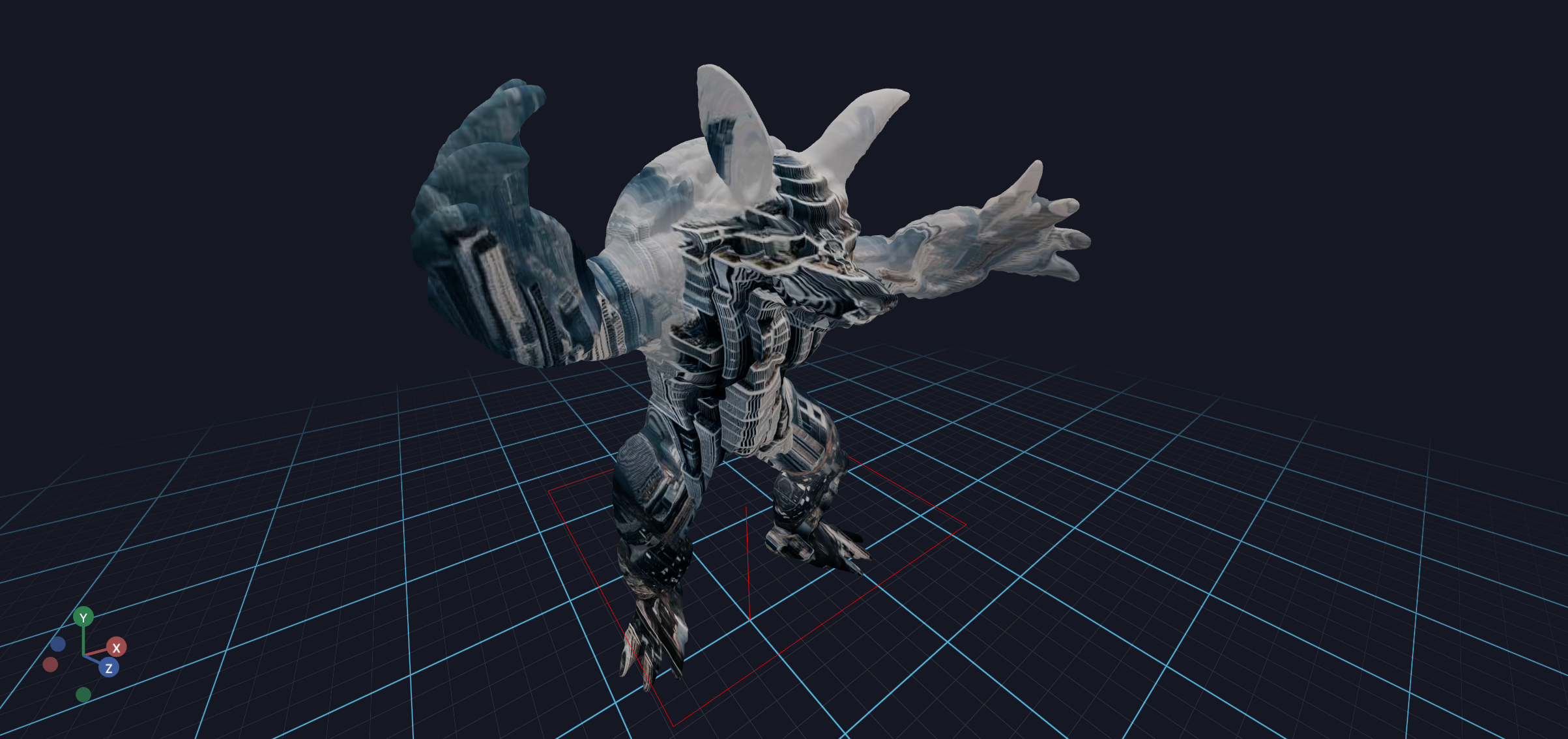
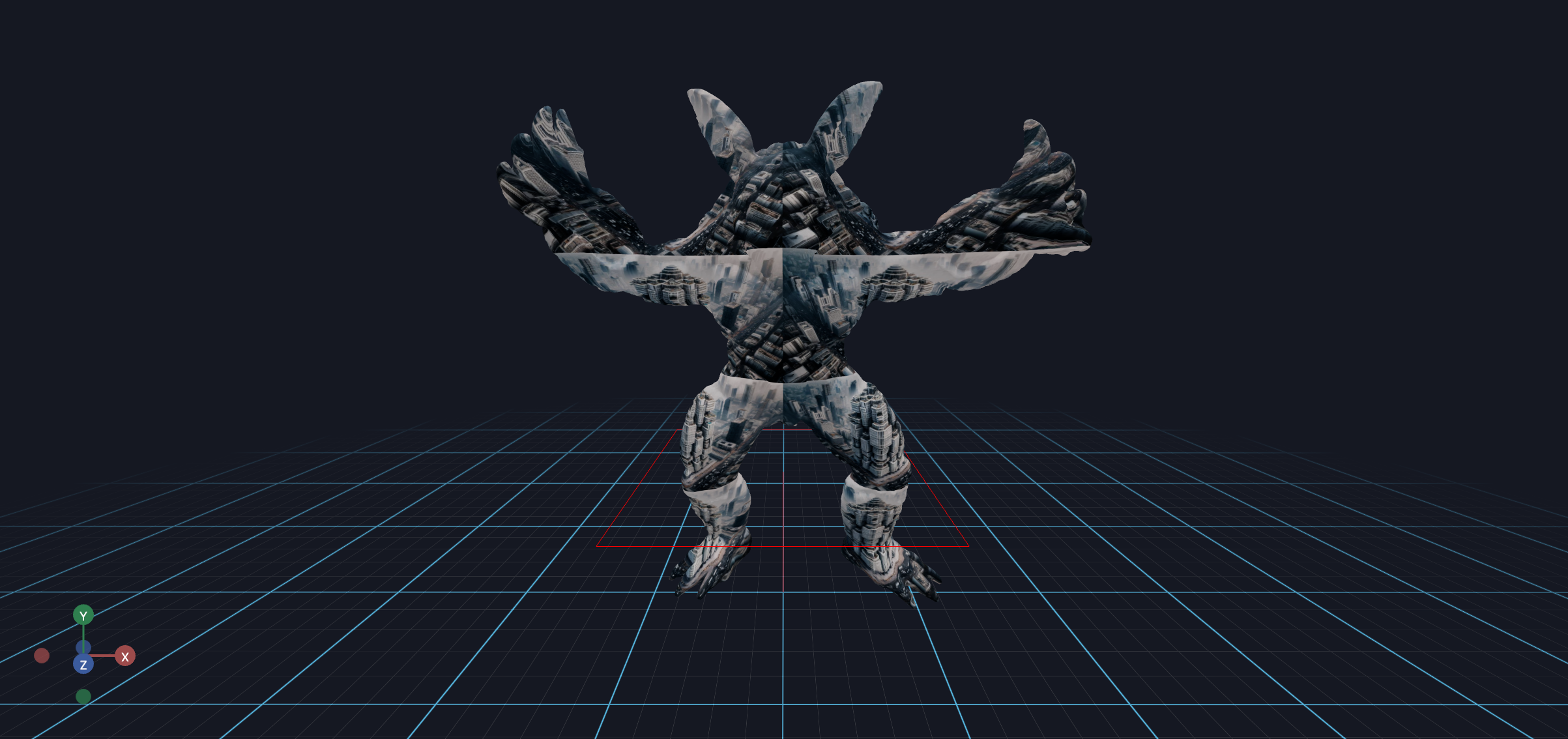
This example demonstrates how to apply textures to a trimesh using UV mapping in Vuer. You'll learn how to load a 3D mesh, generate UV coordinates from vertex positions, and apply an image texture with optional repeat parameters.
Code Example
python
from asyncio import sleepfrom pathlib import Pathimport numpy as npimport trimeshfrom vuer import Vuerfrom vuer.events import Setfrom vuer.schemas import DefaultScene, TriMesh, OrbitControlsassets_folder = Path(__file__).parent / "../../../../assets"test_file = "static_3d/armadillo_midres.obj"mesh = trimesh.load_mesh(assets_folder / test_file)assert isinstance(mesh, trimesh.Trimesh)mesh.apply_scale(1)# from trimesh import utilwith open(assets_folder / test_file, "rb") as f: data = f.read() text = trimesh.util.decode_text(data)app = Vuer(static_root=assets_folder)print(f"Loaded mesh with {mesh.vertices.shape} vertices and {mesh.faces.shape} faces")xyz = np.array(mesh.vertices)uv = xyz[:, :2] # take the x, y coordinatesuv -= uv.min(axis=0) # normalize the uv coordinates to 0 - 1uv /= uv.max(axis=0)# use `start=True` to start the app immediately@app.spawn(start=True)async def main(session): session @ Set( DefaultScene( TriMesh( key="trimesh", vertices=np.array(mesh.vertices), faces=np.array(mesh.faces), uv=uv, position=[0, 1.7, 0], materialType="phong", material=dict( map="http://localhost:8012/workspace/images/marigold/dalle3/dalle3_rgb.jpg", # mapRepeat=[2, 4], ), ), up=[0, 1, 0], bgChildren=[ OrbitControls(key="OrbitControls") ], ), ) while True: await sleep(0.016)
Now, by passing in a repeat parameter, you can repeat the texture on the mesh.
add mapRepeat=[2, 4] to the material dict to repeat the texture map: