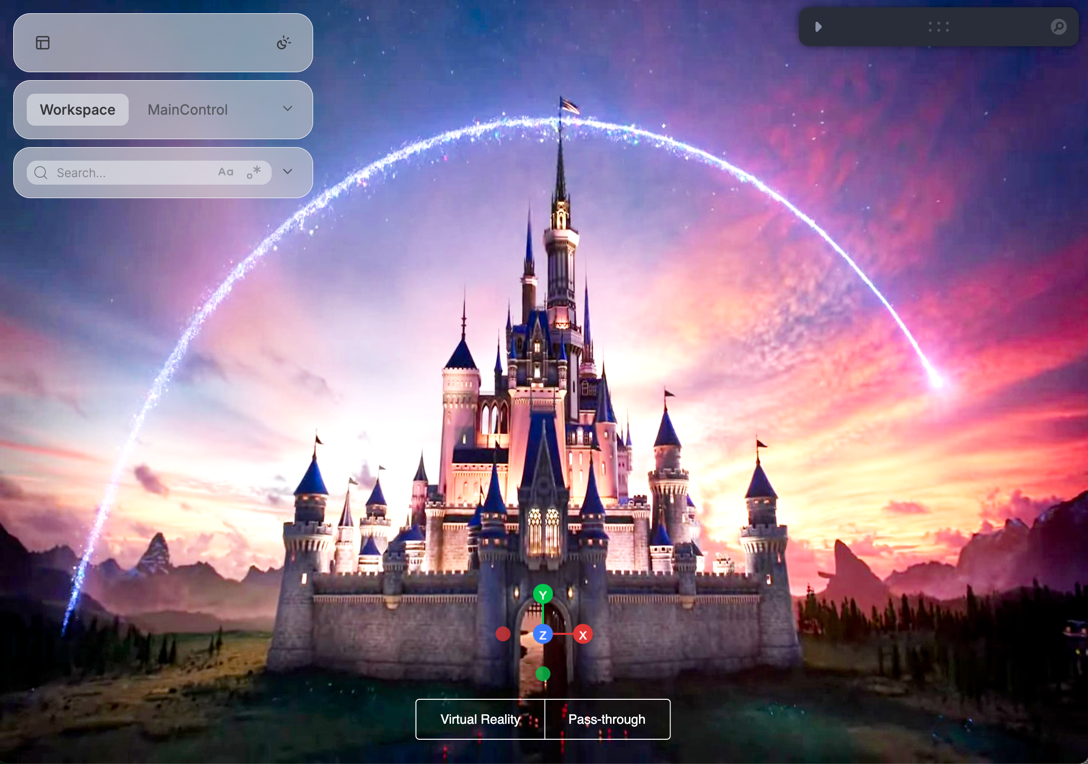
The SceneBackground component displays images as scene backgrounds.
Basic Usage
This example shows how to set a background image. This is useful for relaying from a rendering model such as NeRFs, Gaussian Splatting, or GANs:
python
from asyncio import sleepfrom pathlib import Pathimport imageio as iiofrom tqdm import tqdmfrom vuer import Vuerfrom vuer.events import ClientEventfrom vuer.schemas import Scene, SceneBackgroundassets_folder = Path(__file__).parent / "../../../assets"disney_file = "movies/disney.webm"reader_file = assets_folder / disney_filereader = iio.get_reader(reader_file)app = Vuer()# we add the handler here because the spawn(start=True) binding is blocking.@app.add_handler("CAMERA_MOVE")async def on_camera(event: ClientEvent, session): assert event == "CAMERA_MOVE", "the event type should be correct" print("camera event", event.etype, event.value)@app.spawn(start=True)async def show_heatmap(session): session.set @ Scene() # Empty scene with no defaults for i, frame in tqdm(enumerate(reader), desc="playing video"): # use the upsert(..., to="bgChildren") syntax, so it is in global frame. session.upsert( SceneBackground( # Can scale the images down. frame[::1, ::1, :], # One of ['b64png', 'png', 'b64jpeg', 'jpeg'] # 'b64png' does not work for some reason, but works for the nerf demo. # 'jpeg' encoding is significantly faster than 'png'. format="jpeg", quality=90, key="background", interpolate=True, ), to="bgChildren", ) # 'jpeg' encoding should give you about 30fps with a 16ms wait in-between. await sleep(0.016)